Last verified: 2026-11-05
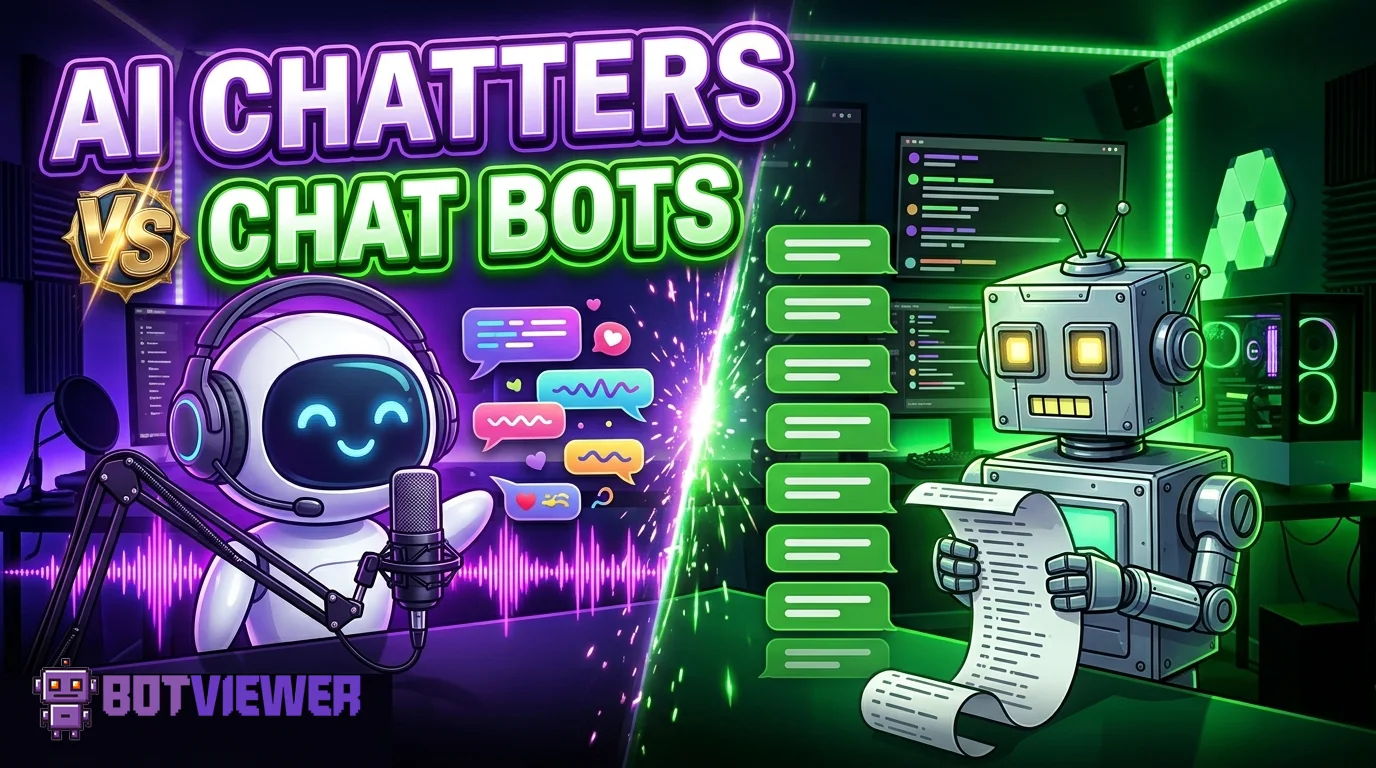
A scripted chat bot posts lines you wrote. An AI chatter writes its own lines from what you say on stream. That is the whole difference in two sentences. The rest of this page explains what each one does, what each one needs from you, and what happened when we ran both on live channels in October 2026.
What Is an AI Chatter?
An AI chatter is an automated chat account that writes messages from your live audio.
The system listens to the stream while you talk.
It turns what you say into short chat messages about the same topic.
You do not write the messages yourself.
Each chatter uses a separate account identity, so the names in chat differ.
AI chatters are software. They are not viewers, and they do not watch the stream the way a person does.
The words depend on your voice. If the streamer goes quiet, the output gets worse.
On our site, the Twitch AI chat booster and the Kick AI chat booster both run 10 chatters per order.
Both pages list eight chat languages: English, Italian, German, French, Turkish, Polish, Arabic, and Spanish. On Kick, the longer 240-message order is offered in English only.
What Is a Scripted Chat Bot?
A scripted chat bot is an automated chat account that posts messages from a list you write.
It does not listen to the stream.
It sends your lines with a delay you set.
You pick the order: top to bottom, or shuffled.
You pick the repeat rule: each line once, or the list on a loop.
You can pause the order and resume it from the dashboard.
No channel password is needed. Only the channel name is.
On Twitch, the Twitch custom chat bots run with 20 or 50 chatters on the shorter plans and with 50 or 100 on the weekly and monthly ones.
On Kick, the Kick custom chat bots come as 60-minute orders with 20, 35, or 50 chatters, or as one-day orders with 25 or 50.
A scripted bot will never go off-topic, because it has no topic. It will also never answer a question, because it cannot read one.
Side by Side: How They Behave in Chat
This table compares behaviour only. Package details live on the product pages linked above.
| Behaviour | Scripted chat bot | AI chatter |
|---|---|---|
| Who writes the words | You, before or during the order | The system, from your live audio |
| Follows the stream topic | Only if your list happens to match it | Yes, while you keep talking |
| Reacts to something new on stream | No, unless you edit the list | Yes, after you mention it out loud |
| Risk of sounding repetitive | High with a short list on loop | Lower, but messages can drift off-topic |
| Control over exact wording | Full | None per message |
| Works on a silent or music-only stream | Yes, it does not need audio | No, it needs speech to work from |
| Delay control | Yes | Yes |
| Pause and resume | Yes | Yes |
| Language | Whatever you write | One of eight, picked when you order |
| Needs you on the mic | No | Yes, the whole time |
A note on emotes in scripted lists, from our own test orders. The Twitch order form took emotes by their names, for example LUL or Kappa. The Kick form used emote codes in brackets, such as [emote:37226:KEKW].
What We Measured in October 2026
We ran paid orders on live channels and recorded the screen. The streamers knew about each test. Start times below come from those single runs. They are measurements, not promises, because start time moves with server load. The Twitch AI page itself puts the usual start at around 10 minutes once an order is active.
Twitch AI chatters, 16 October 2026
Order: 60 messages, 10 chatters.
- On a channel where nobody was chatting, the first AI line showed up 3 minutes after payment.
- On a channel that already had a few regular viewers, the first one showed up after roughly 2 minutes.
- After that, a new message landed about once a minute.
- Delay at 45 seconds: we timed a 46-second gap.
- Paused, the order sent nothing. The regular viewers kept talking.
- After Resume, the AI messages were back within 7 seconds.
Kick AI chatters, 17 October 2026
Order: 10 chatters, English.
- The first message appeared about 2 minutes after payment.
- The streamer spent the session talking about ancient bronze and jade pieces.
- Of 23 AI messages, 20 were about that topic and 3 were not.
- Delay at 45 seconds: the following gap measured 48 seconds.
How we counted. We put each AI message next to what the streamer was saying at the moment it appeared, then marked it on topic or off topic. Twenty of the twenty three matched the subject. Three did not.
Scripted chat bots, 17 October 2026
- Kick, 20 chatters, 60 minutes: the first line arrived less than 3 minutes after payment.
- We added a new line to the list while that order was running. It reached chat 4 minutes later.
The two results point in the same direction as the table. The scripted bot said exactly what we typed, with a lag after edits. The AI chatters followed the topic most of the time, and missed it some of the time.
What AI Chatters Need From You
AI chatters fail quietly when the setup is wrong. Check these before an order starts:
- A working microphone. It has to be on, and your speech has to be clear. The system builds its messages from that audio.
- Talking. Long silences, music-only segments, and muddy audio all lower the quality. Both product pages say the service is not suited to silent streams.
- Open chat. Followers-only and subscriber-only modes must be off. On Kick, channel action restrictions must be off too.
- An accurate title and category. They give the system context before you say a word.
- A live stream. Nothing happens while you are offline.
- Patience with controls. The pages ask for a gap of at least 120 seconds between actions such as pause, resume, or a delay change. The lowest delay is 40 seconds, and 60 seconds is the suggested setting.
Scripted bots need much less. On Twitch, followers-only mode has to be switched off with /followersoff. After that, your list does the work.
Which One Fits Your Stream
Choose a scripted chat bot when:
- You play music, sleep, or game without commentary for long stretches.
- You want set lines for a giveaway, a schedule reminder, or a running joke.
- Exact wording matters more to you than variety.
Choose AI chatters when:
- You talk most of the stream, as in Just Chatting, IRL, or commentary.
- Your topic changes often, and a fixed list would go stale in minutes.
- You stream in one of the eight supported languages.
Some streamers use both on different days. A scripted list covers the late-night music block. AI chatters cover the talk segment. Neither one replaces the people who actually show up, and neither one can answer them for you.
Whichever you pick, repetition is the easiest thing for regular viewers to notice. A short list on loop shows it within minutes. AI messages that ignore the topic show it too, only more slowly. Our short answer to the question are Twitch chats harder to fake goes into why chat is harder to imitate than a viewer count.
A Word on Platform Rules
Platform rules matter here more than any feature. Twitch and Kick each publish their own rules on automated activity, and either one can change them at any time. Read the current text on the platform before you run any third-party chat tool, scripted or AI. Our guide to Kick chat bots already quotes the relevant part of Kick's Community Guidelines, so we will not repeat it here. For moderation tools on Twitch, see our comparison of Twitch chat bots. On either platform, you answer for what appears in your chat.
Quick Answers
Are AI chatters the same as a moderation bot? No. A moderation bot answers commands and removes spam. An AI chatter only posts messages about your stream.
Which one is easier to set up? The scripted bot. You paste a list, set a delay, and open your chat. AI chatters also need clear audio, the right title and category, and a streamer who keeps talking.
Do I need to write anything for AI chatters? No. You choose the language when you order. The messages come from your stream.
Can I change a scripted list mid-stream? Yes. In our Kick test, an added line took 4 minutes to show up, so make edits a few minutes before you need them.
What happens during a break? With AI chatters, the messages lose their thread while you are away from the mic. Pause the order, then resume it when you are back.
Do either of them need my password? No. Both services ask for the public channel name only, never a password.
Can I mix custom messages and AI chatters? Yes. A common setup is a scripted list for promotions or giveaways and AI chatters for talk-heavy segments.